


Digital Tax Filing in Nepal: A Practical Guide for Companies, Startups & Foreign Providers
Introduction
This in-depth, practitioner-focused guide explains how to file taxes electronically in Nepal — covering the IRD e-filing portal, PAN and VAT registration, monthly VAT filing, digital service tax rules (including obligations on non-resident digital service providers), payment methods, deadlines, penalties, record-keeping, and practical compliance steps for corporations, startups, and foreign investors. The guidance is grounded in official Inland Revenue Department sources, procedural circulars, and leading professional commentary.
Why this matters (short legal framing)
Nepal’s tax administration has been moving decisively toward digital processes: online taxpayer registration, electronic submission of PAN, VAT and income-tax returns, and online payment mechanisms. For companies and foreign suppliers, failing to comply with e-filing rules — or misunderstanding obligations for digital services — exposes the business to penalties, interest, and reputational risk. Practically, digital tax filing reduces friction, provides an auditable trail, and is increasingly mandatory for key return types.
The legal framework you must know (concise)
- Income Tax Act & amendments — The Income Tax Act (2058 BS) and its subsequent financial-bill amendments remain the primary statutory framework for income tax obligations in Nepal. The text and consolidated updates are available on the IRD site and set the legal deadlines, rates and enforcement framework.
- VAT Act and IRD procedures — VAT law and IRD procedural circulars regulate VAT registration, invoicing, monthly returns and digital-service VAT treatment. IRD has published procedures specific to digital services and non-resident suppliers.
- IRD e-filing rules & circulars — The IRD’s taxpayer portal (e-filing platform) and associated help files set practical requirements for creating credentials, uploading returns and making online payments.
Key definitions (so there’s no confusion)
- Digital tax filing Nepal — submitting tax returns and making tax payments via the IRD’s electronic taxpayer portal (commonly termed e-filing).
- Digital service — services delivered electronically to Nepal users (including streaming, software-as-a-service, online advertising platforms); specific services are listed in the IRD procedural annexures. Non-resident providers may have registration and collection obligations when turnover thresholds are met.
Who must e-file? (practical segmentation)
- Resident companies and registered persons: corporate entities registered in Nepal must use the IRD portal for filing income tax returns (annual) and VAT returns (monthly).
- Sole proprietors and individuals: many categories are allowed and encouraged to file online; certain taxpayers (e.g., those paying instalment tax) must submit returns by statutory deadlines.
- Non-resident digital service providers: if the aggregate transaction value to Nepal users exceeds the statutory threshold (e.g., NPR 2,000,000 in 12 months per IRD procedural guidance), non-residents must register for VAT / digital service tax and remit accordingly. This is a material change in cross-border compliance expectations and cannot be ignored.
The IRD e-filing portal — first things first
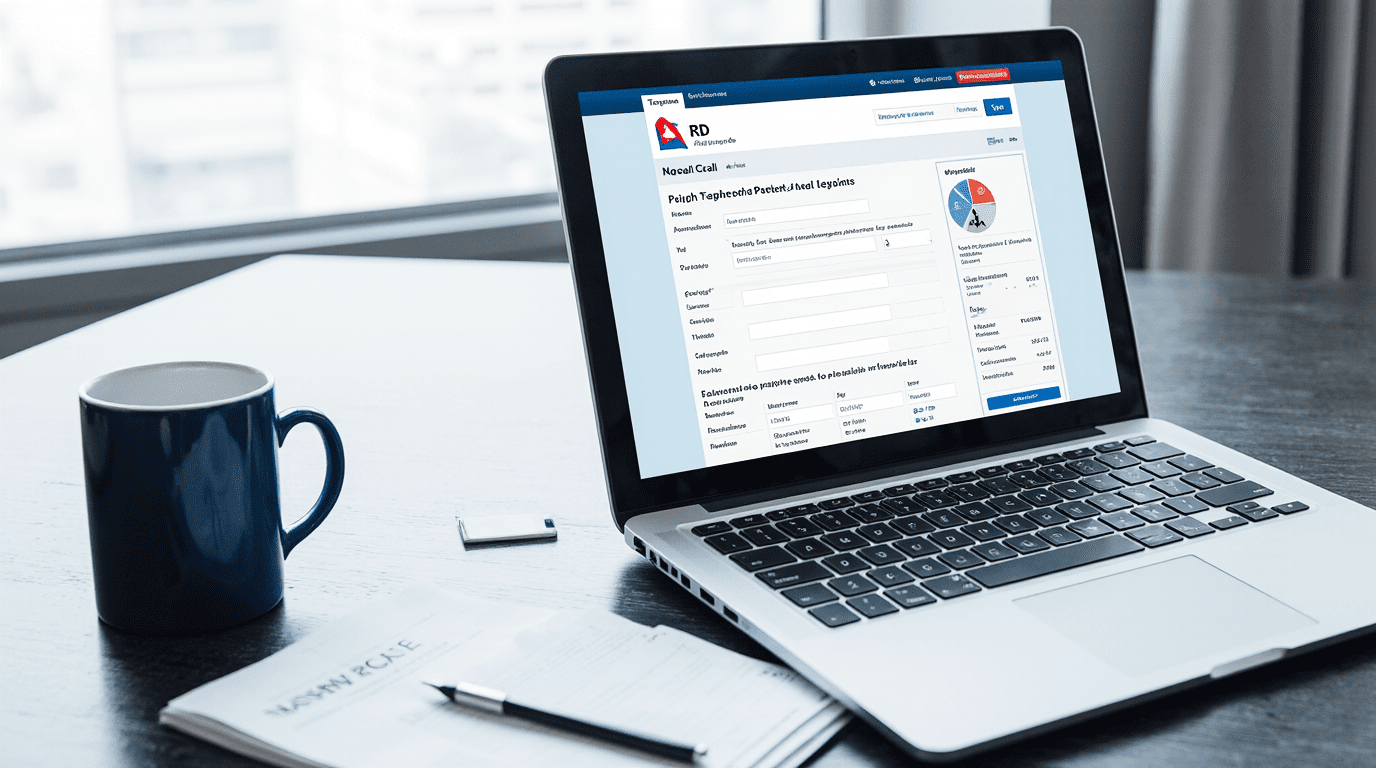
The official taxpayer portal is the entry point for digital tax filing in Nepal. Create your account, link your PAN (Permanent Account Number), and ensure you have authorised signatories with login credentials. The IRD portal supports VAT returns, PAN registration, income tax e-filing, and payments. Practical help files (e-VAT templates, return formats) are available on the portal.
Immediate action (Checklist):
- Confirm your PAN is active and correctly recorded in IRD records.
- Register a username/password on the IRD taxpayer portal under the company PAN.
- Grant portal access to your finance director or authorised tax representative.
- Download the IRD help file for the VAT return template (E-VAT Return Entry).
Step-by-step: Registering and setting up for e-filing
A. PAN registration and linking
- Obtain/confirm company PAN via IRD (PAN is the base taxpayer identifier).
- Ensure PAN details (company name, address) exactly match corporate records — mismatches cause portal errors and rejection of returns.
- If you’re an FDI or foreign entity, register for a PAN before making tax filings or tax payments. (Legal note: PAN is legally required for many filings and payments.)
B. Creating taxpayer portal credentials
- Visit the IRD taxpayer portal and register your PAN to create a username/password.
- Use the “Taxpayer Login” module to generate initial credentials or request a reset if necessary.
- Assign roles: primary admin, tax preparer, auditor. Keep access control documented for corporate governance.
C. VAT registration (if applicable)
- If your annual turnover exceeds the VAT threshold (or you voluntarily register), apply via the IRD online VAT registration form. Upload required documents to the IRD office when requested.
- Once VAT-registered, you must file monthly VAT returns through the portal (Form 200 / E-VAT return as available).
D. Special: non-resident digital service providers
- Monitor your Nepal-sourced digital sales. If they exceed NPR 2,000,000 in 12 months (check IRD schedule), register for VAT/digital service tax within 30 days of exceeding the threshold.
- Non-residents must obtain a PAN and register on the portal for VAT/digital services and remit VAT collected from Nepal users.
How to file each major return (practical walkthrough)
Income tax (annual return)
- Who: Companies and other entities with taxable income.
- Where: IRD portal (annual return module).
- How: Prepare financials and tax computation; upload required schedules as per the portal template; sign digitally via authorised user; submit and obtain acknowledgement. Timelines and penalties are set under the Income Tax Act and related circulars.
VAT (monthly return)
- Who: VAT-registered persons (monthly filing).
- Where: E-VAT module on the IRD taxpayer portal.
- How: Use E-VAT Return Entry or upload a prefilled template (if your accounting system exports the required format). Generate a payment voucher and make an online payment using the IRD-designated revenue heading. Keep source invoices and VAT books ready for audit.
Withholding taxes & TDS
- Who: Payors required to withhold tax (contractors, service fees).
- Where: Portal modules for withholding returns.
- How: Prepare withholding schedules, deposit tax, file return, and retain challans. Non-compliance attracts interest and penalties.
Digital service tax obligations (non-resident and resident)
- Who: Providers of digital services to Nepal users.
- Where: IRD portal; specific registration forms in IRD procedural schedules.
- How: Non-residents crossing the threshold must register for VAT/digital service tax and remit online; residents must charge VAT as applicable and file monthly returns. Check the IRD’s annexure to see which services are captured.
Payment methods and reconciliations
- Online payment: Use the IRD online payment gateway or designated bank channels; upload the payment voucher in the portal.
- Challan-based payments: For some categories, a bank challan is generated and used for payment — keep the bank receipt to reconcile with the portal submission.
- Reconciliation: Reconcile your accounting system’s tax ledgers monthly with IRD filing records to detect mismatches early (PAN errors, invoice numbering issues, input VAT mismatches).
Deadlines, penalties & interest — what to watch for
- VAT: Monthly filings — missing a monthly return leads to late-filing fees and potential penalties.
- Income tax: Annual returns — late filing and tax shortfall may attract interest and fines under the Income Tax Act.
- Digital services non-registration: For non-resident providers failing to register upon reaching the threshold, IRD guidance imposes registration timelines and potential back tax/interest assessments.
Evidence and documentation (audit preparedness)
Maintain the following (minimum) for 7 years (or as law requires):
- VAT invoices and input tax documentation.
- Sales ledgers and bank receipts.
- Contracts (with cross-border terms for digital services).
- Proofs of PAN, registration letters, and portal acknowledgements.
During audits, IRD will expect that portal submissions match underlying books — mismatches create audit risk.
Practical compliance checklist (for corporate counsel or CFO)
- PAN verified and linked to the IRD portal.
- Portal credentials set and roles assigned.
- Accounting exports mapped to IRD return templates.
- Monthly VAT returns are scheduled and pre-checked 5 days before the due date.
- Year-end tax provision prepared and reconciled to taxable income.
- Contracts reviewed for withholding & VAT points.
- For foreign digital suppliers: monitor Nepal turnover; register promptly if the threshold is hit.
Technology & operational tips
- Integrate your accounting software to produce IRD-compatible exports (CSV/XLS).
- Use a dedicated tax calendar in your ERP or shared team calendar.
- Maintain an e-filing SOP: who prepares, who reviews, who submits and who archives.
Risk allocation & contract drafting points (for commercial lawyers)
- Insert specific clauses in supplier/customer contracts requiring correct tax invoicing and indemnities for incorrect VAT/TDS treatment.
- For cross-border SaaS contracts, specify responsibility for VAT collection/registration and include gross-up clauses if the supplier bears tax.
- For M&A, include tax-compliance reps and warranties explicitly covering portal filings and digital service liabilities.
FAQs (practical, lawyer-style answers)
Q1 — Is e-filing mandatory for all companies in Nepal?
A1 — Major return types (corporate income tax annual returns and monthly VAT returns for registered persons) are required to be submitted via the IRD portal; IRD guidance and professional practice have moved toward mandatory online submission. Check specific categories and transitional rules in IRD circulars.
Q2 — A foreign SaaS company sells to Nepali customers. Do we need to register for VAT?
A2 — If the non-resident’s Nepal-sourced digital transactions exceed the threshold specified in the IRD procedure (e.g., NPR 2,000,000 over 12 months per the IRD schedule), registration is triggered and VAT/digital service obligations arise. Monitor transaction value and register within the stipulated timeline.
Q3 — What records should I keep to satisfy an IRD audit?
A3 — Tax invoices, bank receipts, VAT books, contracts, portal acknowledgements and payment challans. Keep originals and scanned backups, and ensure portal submissions reconcile to books.
Q4 — Can tax payments be made online?
A4 — Yes — IRD supports online payment mechanisms and bank challan methods; select the correct revenue heading when paying electronically and retain proof.
Q5 — What if the e-filing portal rejects my VAT return?
A5 — Common causes: template mismatch, PAN mismatch, incorrect invoice numbering. Fix the source dataset, re-export in the IRD template format and re-submit. If persistent, contact the IRD helpdesk and keep correspondence evidence.